What is Maintenance Mode?
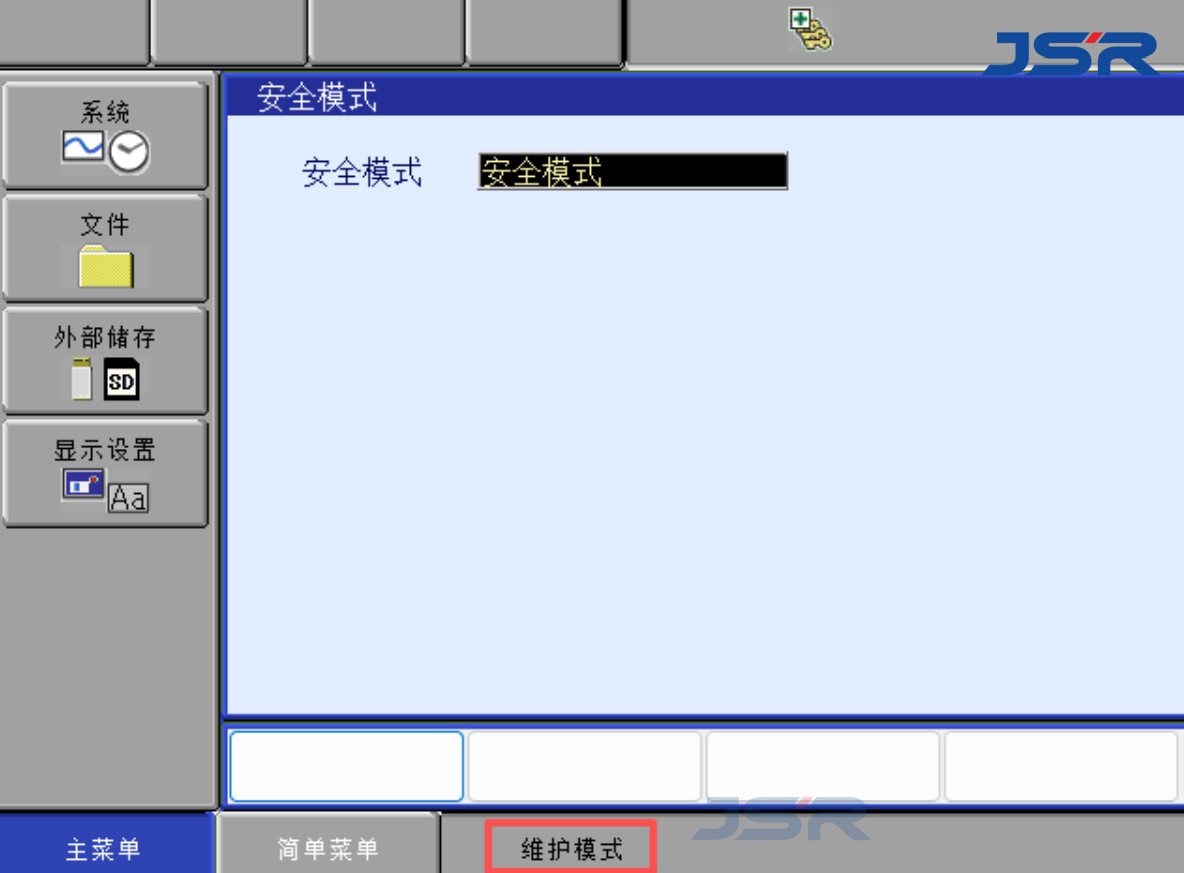
Maintenance Mode provides access to specific functions for robot system setup and maintenance, such as system configuration and troubleshooting.
How to Enter Maintenance Mode?
1. Turn off the robot controller.
2. Press and hold the MAIN MENU key on the teach pendant.
3. Turn on the controller while holding the key.
4. Wait for the system to start in Maintenance Mode.
Note: The procedure may vary depending on the controller model and software version. Always refer to the relevant manual before proceeding.
Post time: Oct-26-2026